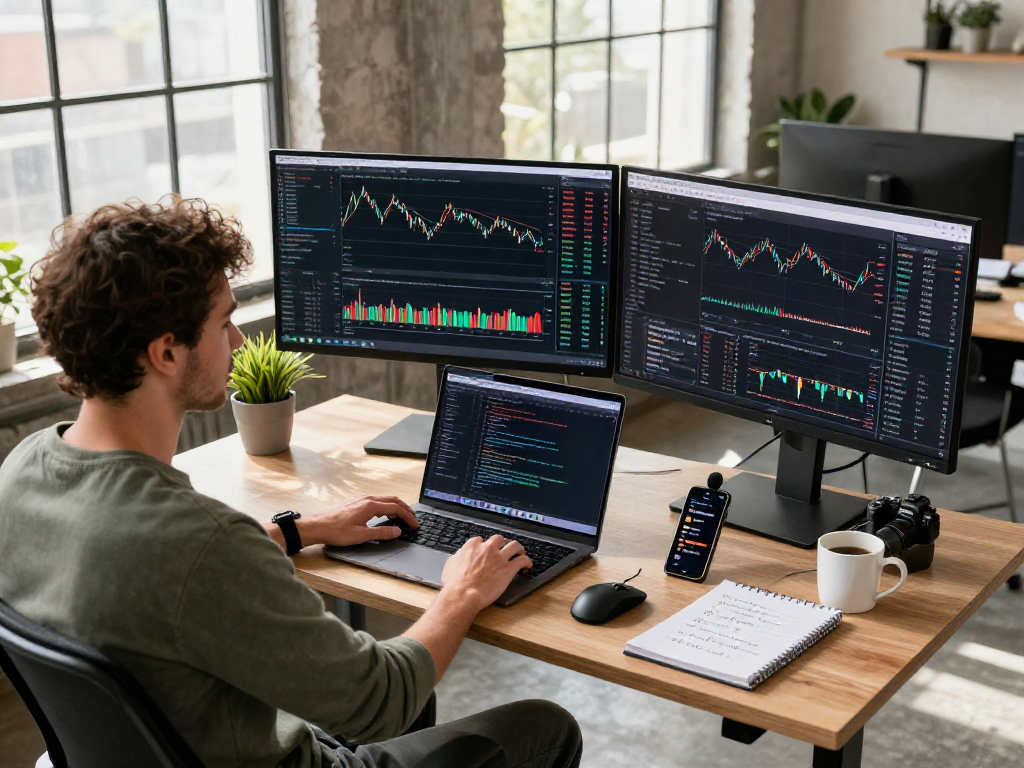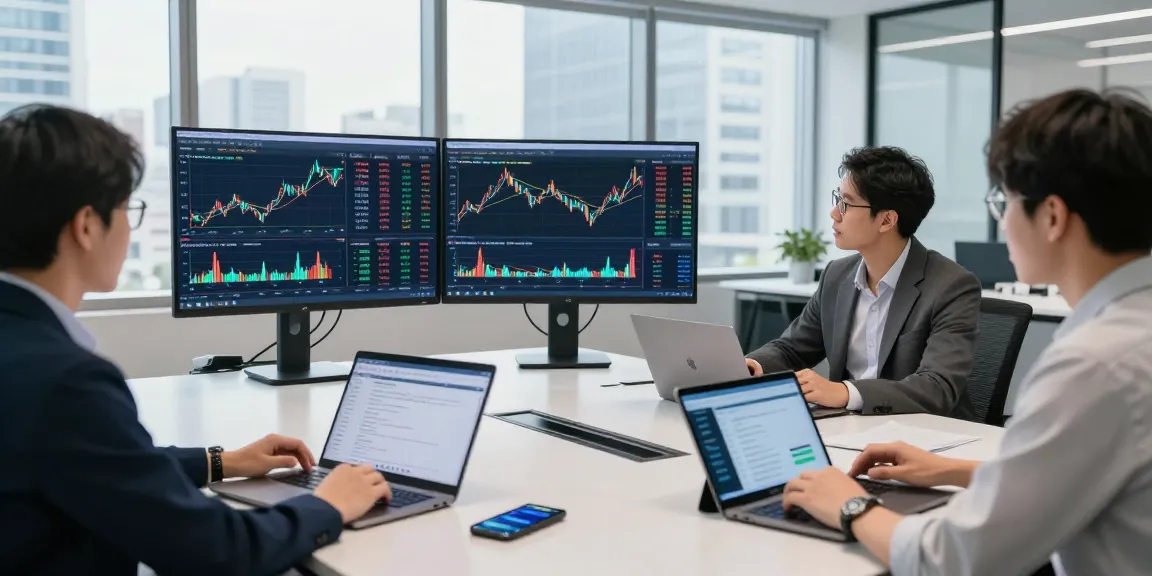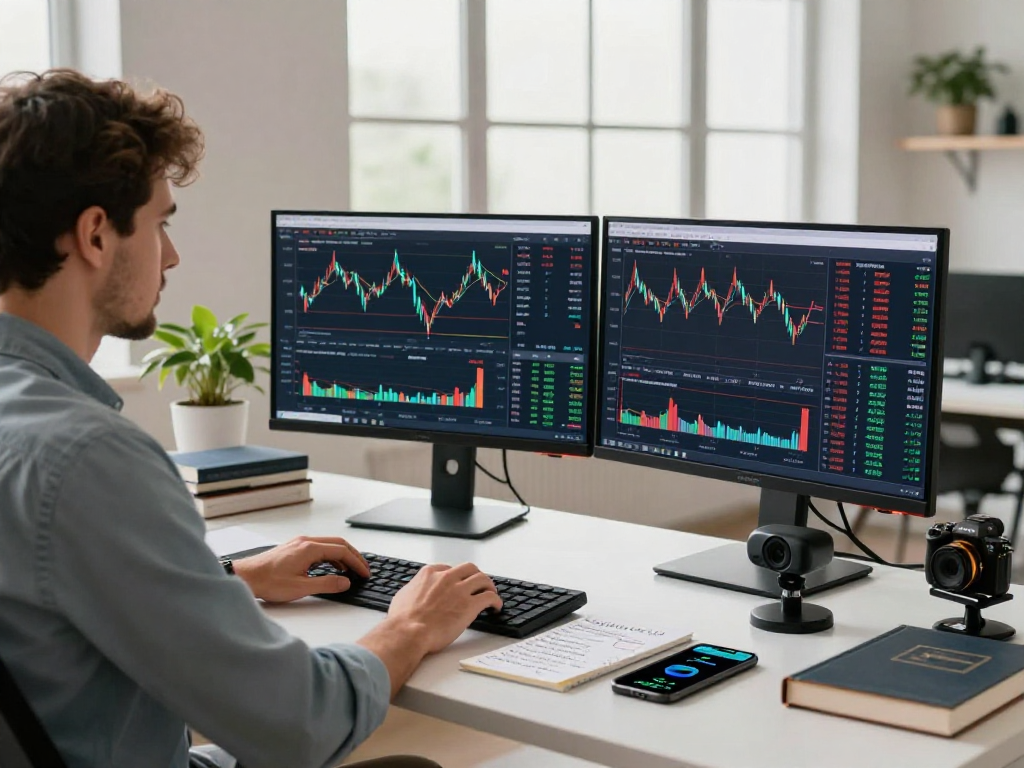
Understanding TradingView: A Comprehensive Overview
In the fast-paced world of trading, having access to comprehensive data and powerful analytical tools can significantly influence decision-making. TradingView stands out as a leading platform that integrates various financial markets, allowing traders and investors to access real-time data, leverage advanced charting tools, and cultivate effective trading strategies all in one place. This article will delve into the core features of TradingView, showcasing how it can enhance market research and trading effectiveness.
What is TradingView and its Core Features?
TradingView is an online platform that provides a sophisticated environment for trading analysis. It caters to stocks, cryptocurrencies, forex, and derivatives, making it a versatile choice for a diverse range of traders. Some of the platform's core features include:
- Advanced Charting Tools: Traders can create and customize charts with various technical indicators, annotations, and drawing tools.
- Multi-Asset Coverage: The ability to analyze multiple asset classes—from equities to cryptocurrencies—streamlines the research process.
- Real-Time Market Data: Users receive live updates on market prices and volumes, keeping them informed of the latest trends.
- Social Networking Features: Traders can share ideas and strategies, enhancing the collective knowledge within the community.
- Custom Alerts: Users can set alerts for specific price movements or conditions, ensuring they never miss a trading opportunity.
Benefits of Using TradingView for Market Research
Utilizing TradingView as your primary research tool offers a multitude of benefits:
- Unified Workspace: It consolidates multiple research tools—charts, alerts, and community insights—into one accessible interface.
- Actionable Insights: With features like the Strategy Tester and custom scripts, traders can make data-driven decisions rather than relying on gut feelings.
- Enhanced Collaboration: Engage with other traders to exchange ideas, strategies, and analyses, which can lead to improved trading outcomes.
- Continuous Learning: TradingView’s educational resources and community discussions provide avenues for both novice and experienced traders to grow their knowledge.
Getting Started with Your TradingView Account
Setting up your TradingView account is simple and straightforward. Users can choose between a free tier, which offers essential features, or subscribe to one of the premium plans for advanced functionalities. After registering, follow these steps to optimize your account:
- Customize your workspace layout to match your trading preferences.
- Add the assets you wish to monitor to your watchlist for quick access.
- Familiarize yourself with the charting tools and indicators available on the platform.
- Explore community ideas to gain insights and broaden your analytical perspective.
Building an Effective Trading Strategy with TradingView
Creating Custom Indicators and Alerts
One of the standout features of TradingView is its ability to create custom indicators using Pine Script, the platform’s built-in scripting language. This allows traders to tailor indicators specifically to their trading strategies. Here’s how to effectively create and use custom alerts:
- Identify Key Metrics: Determine which indicators will be most beneficial for your trading style—be it moving averages, RSI, or others.
- Script Your Indicators: Use Pine Script to define the rules for your indicators, ensuring they reflect your trading methodology.
- Set Alerts: Configure alerts based on your custom indicators so you can act promptly when market conditions align with your strategy.
Backtesting Strategies using the Strategy Tester
The Strategy Tester is a powerful tool within TradingView that allows you to test your trading strategies against historical data. This feature is crucial for traders who seek to refine their strategies before applying them in real-time markets:
- Develop your trading strategy using Pine Script.
- Access the Strategy Tester section and input your strategy’s parameters.
- Run the backtest and analyze performance metrics including profit factor, maximum drawdown, and win rate.
- Refine your strategy based on the insights gained from backtesting.
Utilizing Community Insights for Better Decisions
The TradingView community is a treasure trove of trading ideas and insights. By engaging with community scripts and analyses, traders can enhance their understanding of market movements:
- Follow Top Traders: Identify and follow successful traders who share their strategies and analyses on the platform.
- Participate in Discussions: Join discussions to share your views and gain different perspectives on market trends.
- Utilize Public Scripts: Explore and implement publicly published scripts that align with your trading strategy.
Optimizing Your Trading Workflow
Integrating TradingView with Brokerage Accounts
For many traders, the ability to execute trades directly from TradingView is a pivotal feature. The platform supports integration with several brokerage accounts, allowing for seamless trading operations without leaving the application. To connect your brokerage account:
- Go to the Trading Panel in TradingView.
- Select your brokerage from the list and follow the instructions to connect your account.
- Once connected, you can execute trades directly from the chart interface.
Setting Up Real-Time Alerts and Notifications
Setting up real-time alerts is essential for any trader looking to stay ahead of market movements. Here’s how to set them up effectively:
- Define Your Triggers: Decide on the price levels or market conditions that warrant an alert.
- Choose Notification Methods: Select how you would like to receive alerts—via email, SMS, or via the TradingView app.
- Test Your Alerts: Ensure your alerts are functioning as intended by testing a few scenarios.
Tips for Efficient Charting and Analysis
Maximizing the efficiency of your charting and analysis can lead to more informed trading decisions:
- Use Multiple Time Frames: Analyze the same asset across various time frames to capture both long-term trends and short-term fluctuations.
- Employ Layouts: Benefit from TradingView’s multi-layout feature to monitor different charts simultaneously.
- Annotate and Save: Take notes and save your chart settings for future reference, enhancing your analysis process.
Analyzing Market Trends with TradingView
Using Technical Analysis Tools Effectively
Technical analysis is pivotal for successful trading, and TradingView offers a rich suite of tools:
- Indicators and Oscillators: Leverage popular indicators such as MACD, Bollinger Bands, and Fibonacci retracements to guide your trading decisions.
- Chart Patterns: Identify and exploit chart patterns like head and shoulders or triangles for strategic entry and exit points.
Understanding Market Sentiment through Community Features
Market sentiment plays a crucial role in trading success. TradingView’s community features provide invaluable insight into market psychology:
- Idea Publishing: Review and reflect on trade ideas shared by the community to gauge market sentiment.
- Heat Maps: Use heat maps to visualize the performance of assets and identify bullish or bearish trends.
Staying Updated with Economic Calendar Events
Economic indicators can significantly impact market movements. TradingView provides an integrated economic calendar that highlights important upcoming events, allowing traders to adjust their strategies accordingly:
- Mark Key Dates: Identify and mark key economic events that could affect market conditions.
- Analysis Pre- and Post-Event: Analyze the expected impact and review market reactions post-event to refine your future trading strategies.
Future Trends in Trading and Analysis (2026 and Beyond)
The Role of AI and Automation in TradingView
The integration of artificial intelligence (AI) and automation into trading platforms is set to redefine the trading landscape. Future iterations of TradingView may incorporate more advanced AI features, allowing traders to:
- Automate Trading Strategies: Implement fully automated trading strategies that can execute trades based on predefined criteria.
- Enhanced Predictive Analytics: Use AI to predict market movements with greater accuracy, increasing the potential for profitable trades.
Emerging Financial Markets and Opportunities
As new financial markets continue to emerge globally, TradingView will likely adapt its offerings to cater to these developments, providing traders with opportunities in:
- Emerging Markets: Engage with assets in fast-growing economies that may present unique investment opportunities.
- Crypto Innovations: As cryptocurrencies evolve, TradingView will need to support new tokens and blockchain projects.
Preparing for Changes in Trading Regulations
Staying compliant with changing trading regulations will be essential for traders using TradingView in the future. Traders should:
- Stay Informed: Keep abreast of new regulations that may affect trading practices in various markets.
- Adapt Strategies: Be prepared to adapt trading strategies to comply with evolving regulatory standards.
What features make TradingView stand out?
TradingView’s unique combination of user-friendly design, comprehensive features, and community engagement sets it apart from other platforms. Its advanced charting tools and customizable layouts cater to both novice and professional traders alike.
How can I effectively backtest my trading strategies?
Effectively backtesting on TradingView involves using the Strategy Tester to simulate your trading strategies on historical market data, allowing you to refine and optimize your approach before applying it to live trading.
What are the advantages of using TradingView over other platforms?
The advantages of TradingView include its user-friendly interface, strong community engagement, and comprehensive analytical tools, which together create a more supportive environment for both new and experienced traders.
Can I trade directly from TradingView?
Yes, TradingView allows users to connect with supported brokerage accounts, enabling direct trading from the platform's charts without needing to switch interfaces.
How do I customize my TradingView workspace?
Customizing your TradingView workspace can be accomplished by adjusting chart layouts, saving templates, and arranging indicators and tools according to your trading needs, enhancing your overall efficiency.