Understanding Invoice Processing Software
What is Invoice Processing Software?
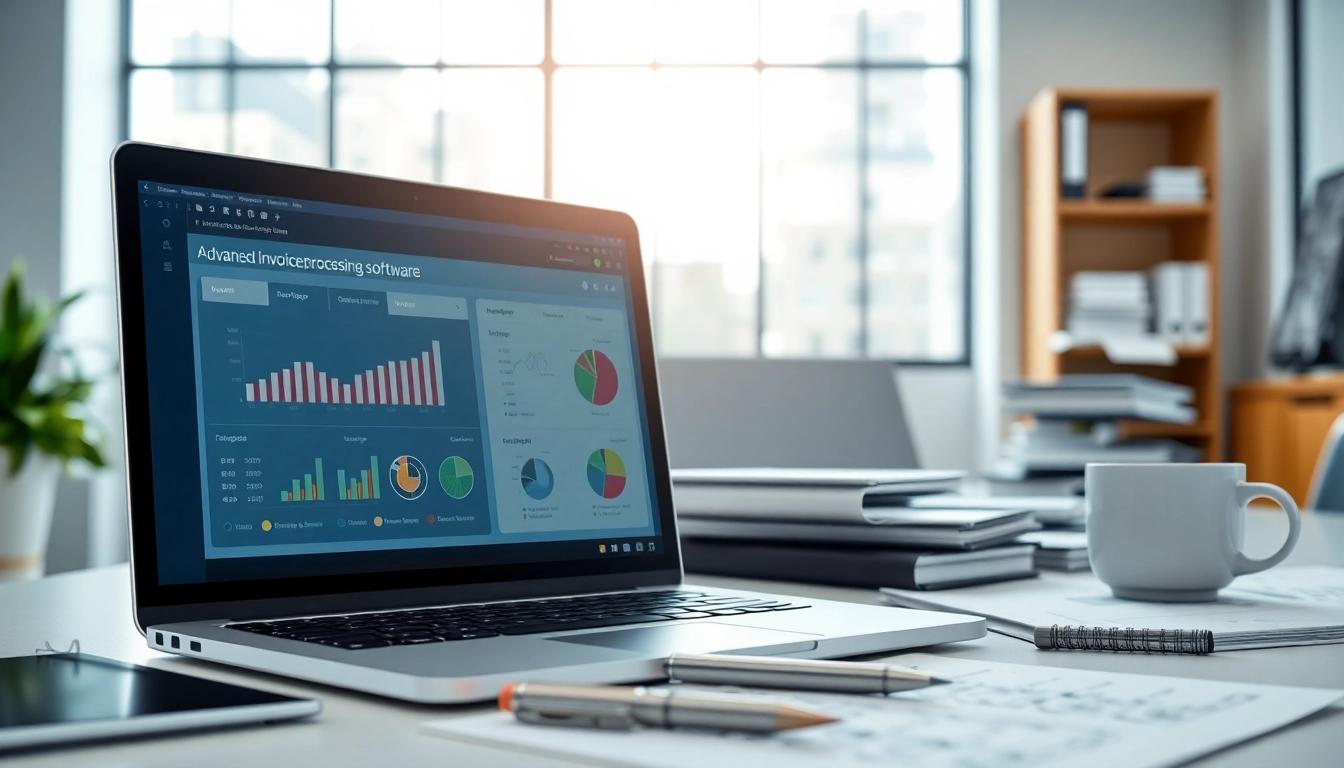
Invoice processing software refers to technology designed to manage the workflow of invoices in a business. It automates the creation, tracking, and approval of invoices, allowing for seamless interactions between clients and businesses. These solutions help in minimizing human errors, accelerating payment cycles, and providing valuable insights through analytics. By implementing an invoice processing software, organizations can optimize their accounts payable processes, leading to improved cash flow and operational efficiency.
Key Features and Benefits
Invoice processing software typically includes features such as:
- Automated Data Capture: This functionality allows for the automatic extraction of data from invoices, significantly reducing manual entry errors.
- Customizable Templates: Users can create and modify invoice templates to match business branding and comply with client expectations.
- Integration Capabilities: The software can integrate with existing accounting systems and other applications, streamlining data flow.
- Approval Workflows: Automated approval workflows ensure invoices are routed to the appropriate personnel promptly, reducing delays.
- Real-Time Analytics: Advanced analytics provide insights into spending trends, payment cycles, and potential areas for cost-saving.
The benefits of using invoice processing software extend beyond just technology. They include increased efficiency, reduced operational costs, improved accuracy, and enhanced financial visibility, which collectively contribute to better decision-making processes.
Common Use Cases for Businesses
Businesses across various industries utilize invoice processing software for several reasons.
- Streamlining Operations: Companies can automate recurring invoices to save time and avoid manual errors.
- Enhancing Compliance: The software helps businesses adhere to regulatory requirements by maintaining accurate records and facilitating audits.
- Improving Cash Flow: By automating payment reminders and approvals, businesses can ensure timely payments, leading to improved cash flow management.
- Enhancing Customer Relationships: With streamlined invoicing processes, businesses can provide better service, which helps maintain positive relationships with clients.
Effective Implementation Strategies
Steps to Integrate Invoice Processing Software
Integrating an invoice processing software is a critical move that requires careful planning and execution. Here are the general steps to successfully implement this solution:
- Identify Business Needs: Assess your current invoicing process to understand pain points and specific needs.
- Choose the Right Software: Research various solutions, considering features, pricing, support, and scalability.
- Plan for Integration: Work with IT to establish how the new software will integrate with existing systems.
- Data Migration: Ensure existing data is accurately transitioned to the new platform with minimal disruption.
- Training: Conduct comprehensive training sessions for users to familiarize them with the new system.
- Monitor Performance: After implementation, continuously assess the system’s performance and address any issues promptly.
Training Your Team for Success
Training is a vital component of successful software implementation. Here are key strategies to ensure your team is well-prepared:
- Hands-On Workshops: Organize hands-on workshops to allow employees to explore the software features and functionalities actively.
- Develop Resource Materials: Create user guides or video tutorials to provide ongoing support post-training.
- Encourage Feedback: Foster an environment where team members can share their experiences and provide feedback about the software functionalities.
Common Challenges and Solutions
While implementing invoice processing software can significantly enhance efficiency, challenges may arise. Below are common challenges along with potential solutions:
- Resistance to Change: Employees might be resistant to adopting new technology. To overcome this, clearly communicate the benefits and offer comprehensive training.
- Integration Issues: Compatibility between the software and existing systems may pose challenges. Early involvement of the IT team can help address this issue effectively.
- Data Migration Problems: Ensure careful planning and testing during data migration to prevent loss or corruption of data.
Best Practices for Optimizing Invoice Workflows
Streamlining Data Entry Processes
To optimize data entry processes, businesses should consider the following practices:
- Utilize Optical Character Recognition (OCR): Implement OCR technology to automatically extract data from invoices without manual input.
- Standardize Invoice Formats: Establish standard invoice formats to minimize misinterpretations and streamline processing.
- Implement Validation Checks: Set up validation checks to ensure all required fields are completed accurately before approval.
Enhancing Approval Workflows
Efficient approval workflows are crucial for timely payments. To enhance these workflows:
- Automate Routing: Use rules-based automation to route invoices to the relevant approvers based on predefined criteria.
- Set Clear Guidelines: Develop clear guidelines regarding who can approve invoices and under what conditions.
- Monitor Approval Times: Use analytics to track how long approvals take and identify bottlenecks to improve the process.
Utilizing Analytics for Better Insights
Analytics plays a significant role in refining invoice processing. Businesses can:
- Track Payment Trends: Analyze data to understand payment patterns and adjust strategies accordingly.
- Identify Cost-Saving Opportunities: Use insights derived from analytics to identify areas where costs can be reduced or processes improved.
- Forecast Cash Flow: Utilize historical data to predict cash flow trends and make informed financial decisions.
Choosing the Right Invoice Processing Software
Evaluating Your Business Needs
Before selecting an invoice processing software, evaluation of specific business needs is crucial. Consider the volume of invoices processed, budget constraints, and integration requirements with existing systems.
Comparative Analysis of Features
Conduct a detailed comparison of features offered by different invoice processing software solutions. Assess aspects like scalability, security, user interface, and customer support to find the best fit for your organization.
Cost Considerations and Budgeting
When evaluating potential software, consider total costs, including subscription fees, implementation costs, and potential costs for training and support. Establish a budget that aligns with both short and long-term business objectives.
Future Trends in Invoice Processing
Automation and Artificial Intelligence Impact
The future of invoice processing will witness a significant shift towards automation and artificial intelligence. This will not only streamline processes but will also enhance accuracy by using machine learning algorithms to handle data analysis and validation.
Emerging Technologies to Watch
Emerging technologies, including blockchain and robotic process automation (RPA), promise to transform invoice processing further. Blockchain can enhance trust and security in transactions, while RPA can automate repetitive tasks, allowing staff to focus on strategic initiatives.
Preparing for Industry Changes
To stay ahead, businesses must keep abreast of changes in the invoicing landscape, adapting their strategies accordingly. Regular training and continuous evaluation of processes will be essential to remain competitive.
FAQs
What are the benefits of using invoice processing software?
Invoice processing software increases efficiency, reduces errors, and speeds up approval processes, ultimately saving time and resources.
How does invoice processing software improve cash flow?
By automating invoicing and payment tracking, businesses streamline collections, leading to quicker cash flow and better financial management.
Is invoice processing software suitable for small businesses?
Yes, many invoice processing solutions are designed for small businesses, offering scalability and easy-to-use interfaces to meet diverse needs.
What key features should I look for in invoice processing software?
Essential features include automated data capture, integration with accounting tools, customizable invoicing, and powerful reporting capabilities.
How can I train my team on new invoice processing software?
Provide hands-on training sessions, tutorials, and ongoing support to ensure your team adapts quickly to the new software and its capabilities.